30-Second Decision
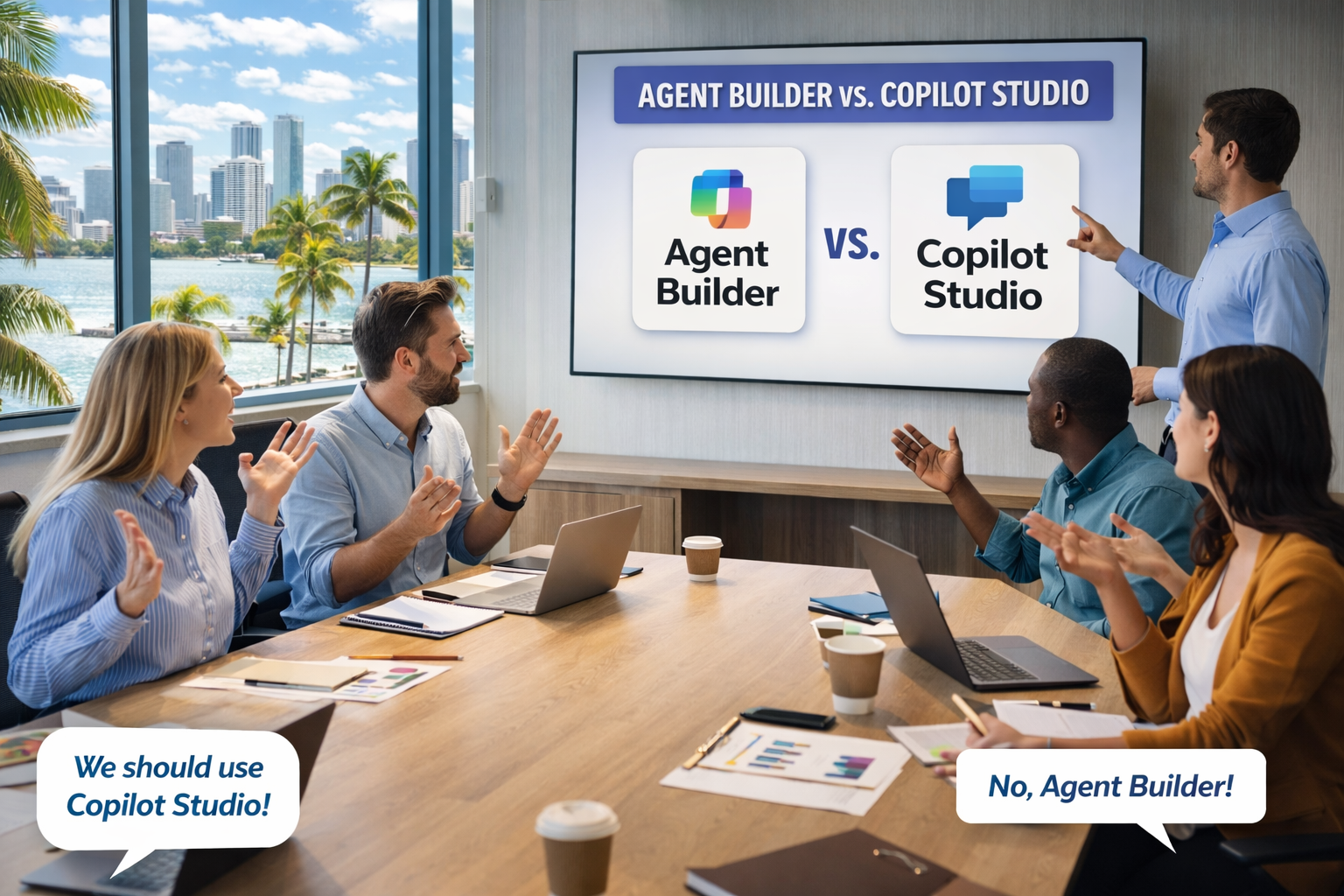
Microsoft documents four factors to evaluate: audience, deployment scope, functionality, and governance needs. Most decisions are clear after the first two.
| If you are… | Use… |
|---|---|
| Building for yourself or a small team using Microsoft 365 content | Agent Builder |
| Building for a department, whole org, or external customers | Copilot Studio |
| Needing workflows, approvals, or integrations beyond Microsoft 365 | Copilot Studio |
| Needing enterprise ALM (dev/test/prod environments, versioning, telemetry) | Copilot Studio |
| Starting simple, with plans to scale later | Agent Builder → then copy to Copilot Studio |
Glossary
- ALM (Application Lifecycle Management) — managing an application across dev, test, and production environments with versioning and controls
- DLP (Data Loss Prevention) — policies that control what data can flow where within or outside your organization
- Microsoft Purview — Microsoft’s compliance and data governance product (sensitivity labels, audit logs, retention policies)
- Microsoft Graph — the API layer that connects to Microsoft 365 data (SharePoint, emails, Teams, etc.)
Agent Builder in Microsoft 365 Copilot
Access point: Microsoft 365 Copilot app
Intended user type: Information workers
Microsoft describes Agent Builder as the right choice when you want to quickly create an agent for yourself or a small team, using natural language and existing content — without any code.
Key capabilities
- Natural language authoring
- Content-focused Q&A based on organizational context from Microsoft Graph
- Respects user permissions to Microsoft 365 data — if a user doesn’t have access to a SharePoint site, Teams channel, or Outlook mailbox, the agent will not surface content from those sources
- Uses the Microsoft 365 Copilot orchestrator, foundation models, and services
Use cases
- Project FAQ bots that answer common questions based on project documentation
- Product documentation assistants that help employees find information from internal product manuals or wikis
- Onboarding agents that help new team members get answers from internal knowledge bases
Governance
| Who manages it? | IT admins |
| Where? | Microsoft 365 Admin Center → Copilot → Agents |
| Sharing controls | Microsoft 365 Admin Center → Copilot → Settings → Data access → Agents |
| Key controls | Enable/disable/block agents, view inventory, configure billing, review usage |
| Compliance | Microsoft Purview (sensitivity labels, audit logs, DLP, retention) |
Copilot Studio
Access point: copilotstudio.microsoft.com
Intended user type: Makers and developers
Microsoft describes Copilot Studio as the right choice when you need an agent for a broader audience — a whole department, organization, or external customers — or when the agent requires advanced capabilities or more control over deployment and management. It is a standalone web portal built for complex or scalable solutions.
Key capabilities
- Broad and external publishing
- Multistep logic, approvals, and branching workflows
- Advanced AI models and integration with Azure AI services
- Prebuilt and custom connectors to data sources beyond Microsoft 365
- Autonomous capabilities
- Lifecycle management: versioning, dev/test/prod environments, role-based access controls, telemetry and analytics
Use cases
- Customer support agents that create support tickets and escalate issues to a human
- IT help desk triage agents that handle employee IT requests and route them to the right support team
- Sales assistants for CRM that retrieve sales data, make notes, or kick off an approval workflow
Governance
| Who manages it? | IT admins and Power Platform admins |
| Where? | Power Platform Admin Center |
| Key controls | Connector governance, environment-level DLP, role-based access, publishing approval workflows |
| ALM | Dev, test, and production environments with versioning |
| Deployment targets | Teams, websites, and custom endpoints |
| Compliance | Microsoft Purview (sensitivity labels, audit logs, retention) + telemetry and usage analytics |
Feature Comparison
Excerpted from Microsoft’s official comparison (selected rows only; no rows added).
| Feature | Agent Builder | Copilot Studio |
|---|---|---|
| Agent target audience | Individuals or small teams | Department, organization, or external customers |
| Agent type | Lightweight Q&A with organizational knowledge | Complex workflows, business system integration, enterprise governance |
| Management | Microsoft 365 Admin Center | Power Platform Admin Center (finer-grained controls) |
Source: Microsoft Learn
Migration Path
You do not have to decide permanently upfront. When you copy an agent from Microsoft 365 Copilot to Copilot Studio, the core configuration and instructions are preserved — you extend them, you do not start over. This is Microsoft’s documented path for when requirements outgrow Agent Builder: you need enterprise-grade deployment, more data source integrations, or advanced security policies.
Licensing
- Both tools are included with a Microsoft 365 Copilot add-on license for authenticated users.
- Without that license: Copilot Credits or pay-as-you-go covers both.
- Agent Builder is free for agents grounded on web knowledge only (not Microsoft 365 organizational content).
Official Documentation
Choose between Microsoft 365 Copilot and Copilot Studio to build your agent